Do you have passwords stored in a spreadsheet, in your browser, or another password manager? We have now made it easier than ever to import your data to RoboForm. Say goodbye to manually entering your information, and avoid the confusion of juggling logins in multiple places. This added functionality to RoboForm means you can easily transfer and store your logins into a single, secure password manager.
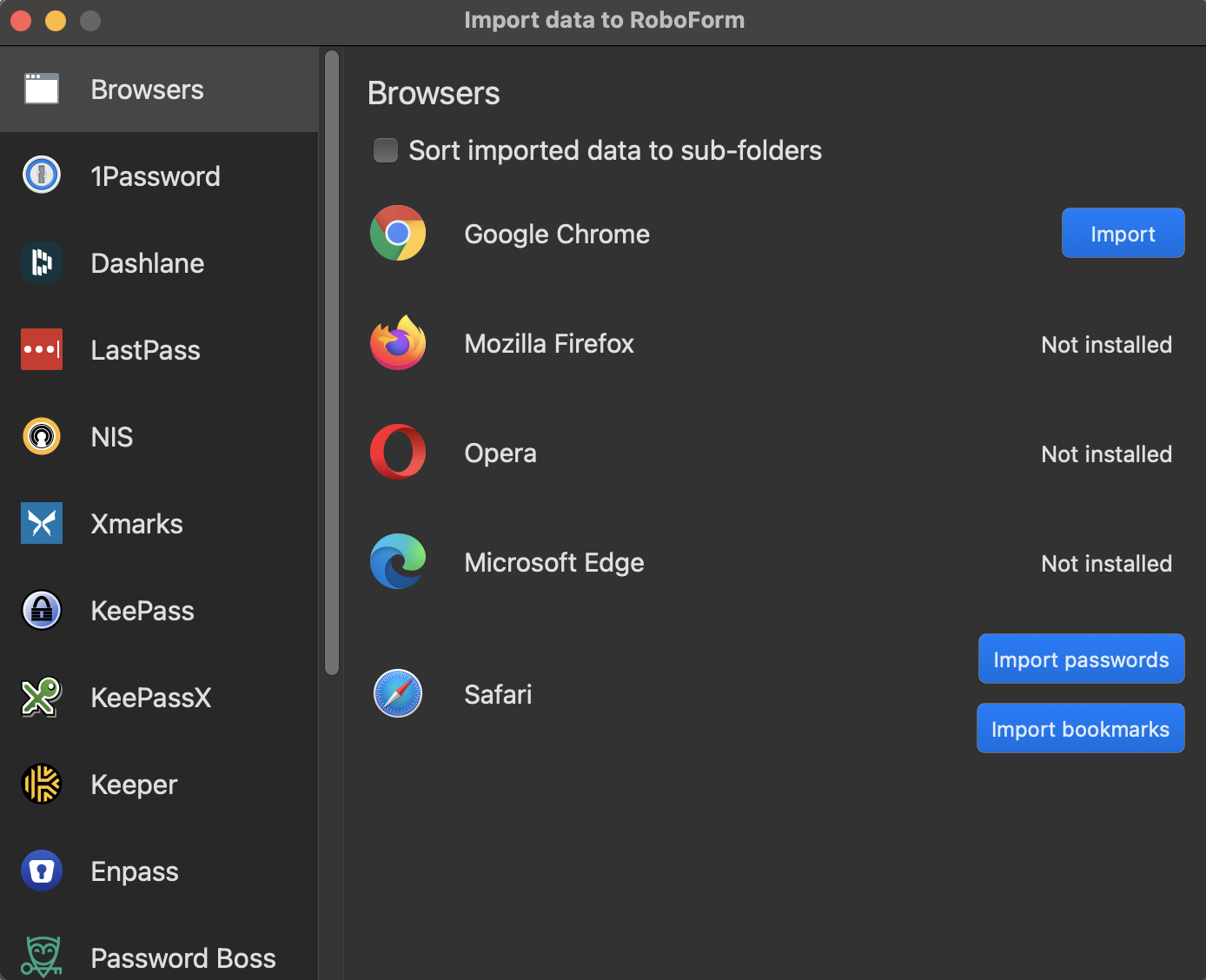
Additional import options

Previously, the Windows or Mac desktop apps were required in order to import your information. 

Now, users can enjoy the following capabilities with more flexibility and ease: 

For instructions on how to import to RoboForm, visit our Help Center

Buy RoboForm Premium

Simon Davis Avatar

Simon Davis

VP of Marketing

VP of Marketing at RoboForm, where he has worked since 2006. Over nearly two decades in the password management industry, Simon has authored dozens of articles on password security and digital identity, and has appeared as a guest on podcasts, YouTube programs, radio, and other media. His perspective is grounded in direct experience with how millions of individuals, families, and businesses use a password manager every day. Based in the Washington, D.C. area.

Areas of Expertise: Password security, passwordless authentication, password manager best practices, cybersecurity marketing
Fact Checked & Editorial Guidelines
Reviewed by: Subject Matter Experts

Posted by Simon Davis

VP of Marketing at RoboForm, where he has worked since 2006. Over nearly two decades in the password management industry, Simon has authored dozens of articles on password security and digital identity, and has appeared as a guest on podcasts, YouTube programs, radio, and other media. His perspective is grounded in direct experience with how millions of individuals, families, and businesses use a password manager every day. Based in the Washington, D.C. area.